A Whole New Camera Experience! Snap Camera HDR play.google.com.snap Snap is a camera and gallery application based on the camera included ...

A Whole New Camera Experience!

Snap Camera HDR play.google.com.snap
Snap is a camera and gallery application based on the camera included in Android 4.2 on the Nexus 4.
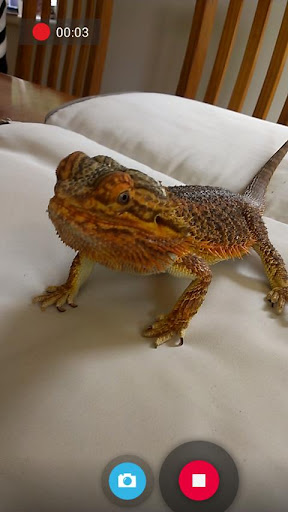
Take pictures and record video with a single click, no cluttered preview screen, just the two buttons you really need.
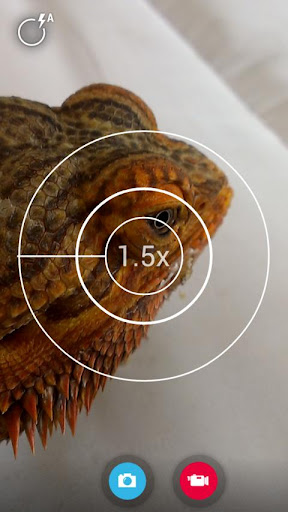
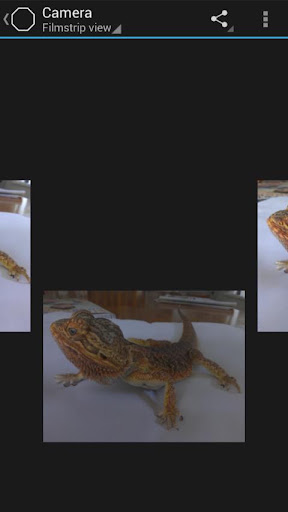
It has a simple, powerful user interface. Touch to focus, pinch to zoom, swipe to review and long press for photo settings. The photo controller includes settings for colour, contrast and sharpness (if supported by the hardware). The additional settings menu gives you access to: Picture and Video Size, Scene mode, Self Timer, Burst Mode, Time Lapse, Still and Video Focus Modes, JPEG Quality, Effects, ISO and Anti-banding.
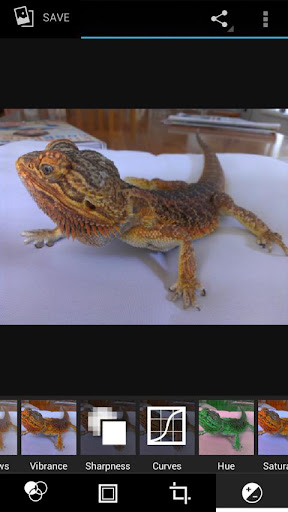
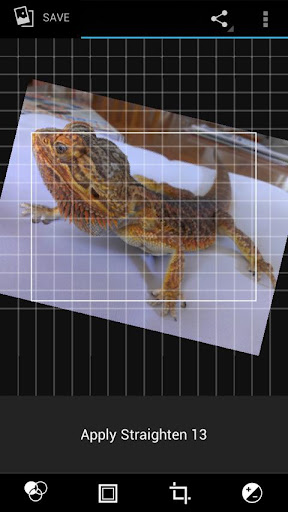
The powerful photo editor lets you add colour effects, borders, crop, rotate, mirror and straighten. You can also choose image effects, histogram modification and vignette. Undo an effect at any time from the history menu.
Share an image with any other app such as Facebook or Google+ by clicking on the share icon.
Snap works best on newer phones but will still run on older models.
The extra settings on the controller menu are only available on phones that support them. Most phones based on Qualcomm hardware do support these options but most others do not.
Camera apps are notoriously difficult to make compatible with all hardware. If it doesn't work, please don't rate the app badly, let us know and we will try to fix it.
Please post bugs and suggestions on the XDA thread for this app by clicking on "Visit Developer's Website" below.
What's in this version : (Updated : Aug 9, 2013)
- Fixes for Galaxy S4 and new Nexus 7
- Allow hiding of albums in the gallery
- Improved HDR registration
- New focus mode icons for the controller
- New setting to keep HDR intermediate shots (enabled by default)
- New setting to show a ghost image of the last shot in the preview (useful for stop-motion)
- New setting to refocus between HDR shots (only needed on a few devices)
- Settings to allow customisation of two controller icons
- New UI is now the default
- New icons
Required Android O/S : 2.3.3+
Screenshots :

Download : 5.3Mb APK


COMMENTS